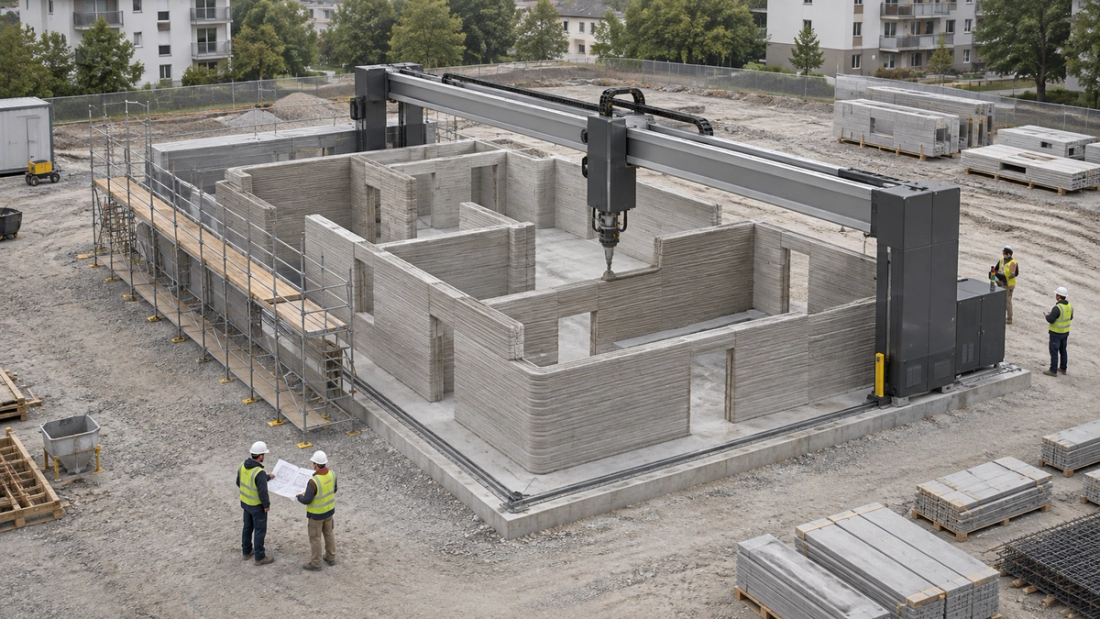
72 Printing Hours, Six Weeks of Work: Inside a 3D-Printed Apartment Project
Germany’s Wallenhausen project shows why multifamily owners should distinguish active printing time from construction schedules and operating performance.


TechnologyAnalysis
Before buying or renewing an access-control system, find out what happens to resident entry, permission changes and after-hours service when a connection fails.
So what: Have the supplier test a move-in, contractor access removal and an after-hours lockout during a controlled outage. Use the results to write procedures and identify extra equipment, subscriptions or staffing.
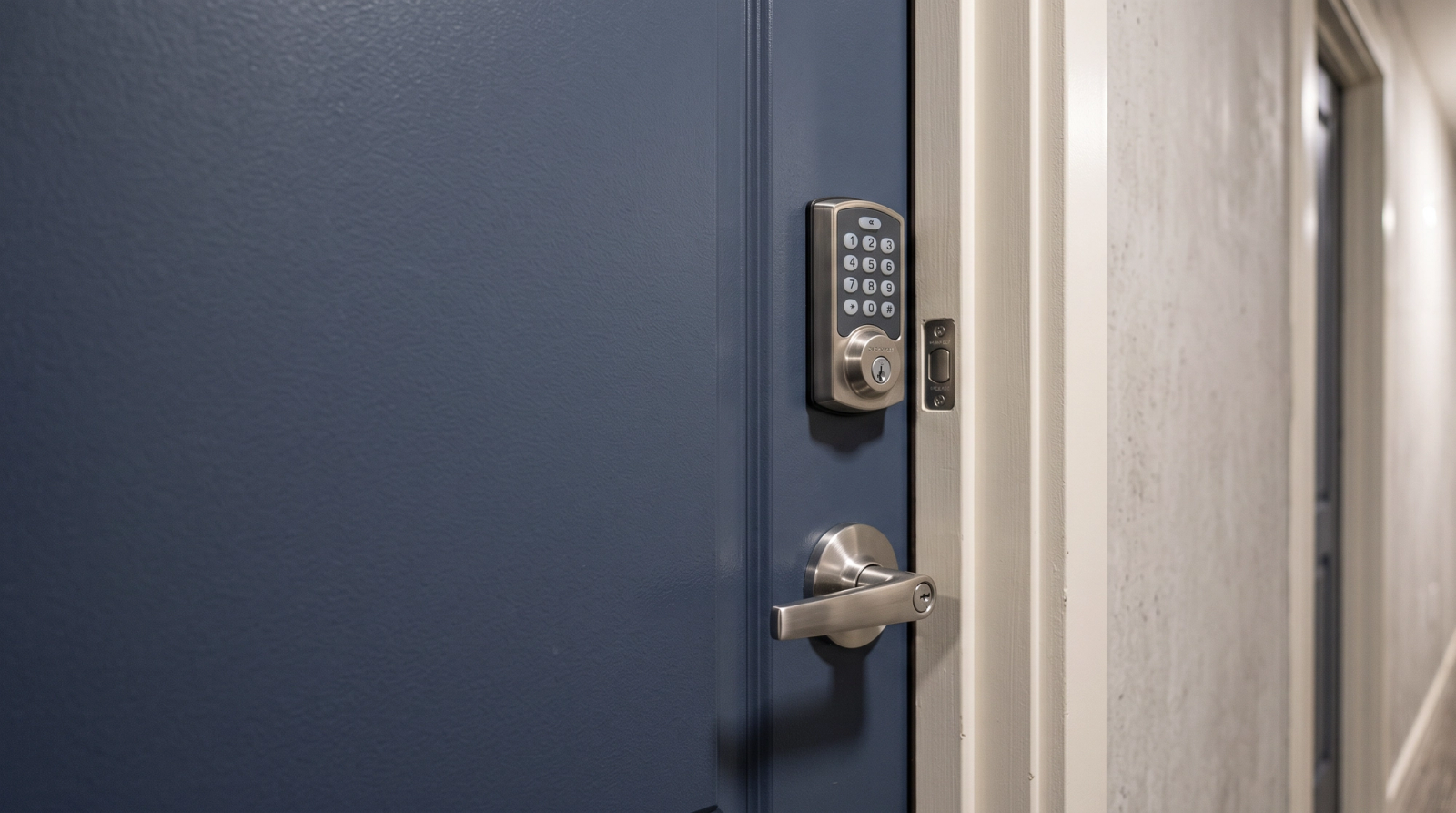
A resident’s credential opens the door during an access-control demonstration, even after the installer disconnects the building’s internet. The system appears ready for an outage.
But the credential was issued before the connection went down. What happens to a resident moving in that afternoon? Or a contractor whose permission needs to end?
Those questions deserve time in the demonstration. A door opening with an existing credential proves something useful, but it does not establish whether management can issue or remove access under the same conditions.
The employee handling the next after-hours call may not know how the system was configured. The purchase review should produce instructions that person can follow, including what to do when the usual administrator is unavailable.
An internet outage, a dead lock battery and an unavailable management platform require different responses. A general assurance about backup access does not explain which response the property needs.
Even the word “offline” can be misleading.
Ask the supplier to distinguish between the lock’s connection and the resident’s credential. Does the phone need internet access to request entry, or can it communicate directly with the lock? Does that alternative require a credential to be provisioned beforehand? Have the supplier demonstrate the answer using the exact hardware, app and subscription the property would purchase.
Products work differently. Schlage describes Bluetooth access through its paired app during a Wi-Fi outage for its Encode smart Wi-Fi devices and identifies a backup key. An operator should verify those features for the equipment being purchased rather than assume they exist across every product or property.
At an apartment community, the review also needs to follow the resident’s route home. A working apartment lock offers little help to someone who cannot enter the garage or get through the building entrance. At a rental home, there may be fewer doors involved, but the employee carrying a backup key could be farther away.
Walk that route with the supplier. Test a phone without internet service as well as a disconnected building network. Write down which methods work at each entrance and what the resident must have set up beforehand.
A credential that already works is only part of the review. Management also needs to know whether access will be ready for someone arriving during an interruption.
Has the new resident’s credential reached the lock or phone? Does another step occur when the permission becomes active? If the connection is unavailable then, can staff complete the move-in?
Brivo Smart Home’s guidance for Z-Wave lock code synchronization distinguishes codes delivered when they become active from codes sent in advance. It also identifies hardware limitations on advance delivery. A platform’s scheduling feature does not establish how every supported lock receives a code.
Ask the supplier to demonstrate a scheduled move-in using the models and subscription the property would purchase. If advance delivery requires a different lock or paid feature, find that out before staff build it into their procedure.
Then try removing access while the relevant connection is unavailable.
A contractor finishes work, and an administrator cancels the permission in the dashboard. When does that change reach the door? How can management confirm that the credential no longer works?
The supplier should explain any delay, what must reconnect and how staff verify completion. If the change cannot take effect immediately, the property needs an approved response.
Staff departures require a similar review. Permission to open doors and permission to administer the system need separate attention. Include both in the departure procedure, along with recovery contacts and physical backup keys.
Train a second authorized employee to carry out those steps. The person leaving should not be the only one who knows how to manage the account.
“Use the backup key” sounds straightforward until an employee needs to find it on a weekend.
Who holds it? Can the on-call employee retrieve it? Does it open the building entrance as well as the apartment? How does the employee verify that the person requesting help is entitled to enter?
Those details belong in the after-hours instructions. They should not depend on reaching a particular maintenance supervisor.
Battery replacement needs an assigned owner, too. Schlage’s Encode tip sheet explains that the battery-operated lock continues working during a power outage and describes its battery-warning indicators. A building power failure and exhausted lock batteries are different problems.
For the selected equipment, establish who receives warnings, who arranges replacement and how the team records completion. Also obtain the manufacturer-approved procedure for a lock whose batteries are already exhausted. Do not assume every model has a key cylinder or the same emergency-power option.
If the fallback requires an employee to visit the property, include that obligation in the staffing review. Someone needs to cover the trip when the first person on the call list cannot respond.
Residents need simple instructions: the approved alternative, the after-hours number and the information staff will request. Keep the locations of controlled keys and administrative recovery details in restricted staff records.
For a wider interruption, prepare a message identifying the affected entrances or functions. Check the routes residents use before announcing that access is unaffected.
Any response procedure must preserve required egress and comply with the requirements applicable to the building. Have qualified professionals review power-loss behavior, emergency-release arrangements and accessibility for the relevant openings. Where the ADA Standards apply, the U.S. Access Board’s door guidance explains requirements for operable hardware. It does not determine compliance for every door in every rental property.
An outage is not the only reason to review how the property would operate without its usual service.
In its notice for specified legacy panels, Brivo distinguishes the end of technical support and firmware fixes from a later end-of-life stage, when cloud connectivity ends. Losing cloud connectivity can also mean losing functions such as event reporting and remote commands. That does not necessarily mean every connected door stops opening. Equipment may continue performing some local functions while management loses capabilities it relies on.
Before renewal, request written answers about support periods, notice of changes and the functions retained if service ends. Ask what migration would require, including replacement equipment, access to property records and transfer of administrative control.
Include changes in ownership, management and installer relationships. The property should know how it would recover control of the account without relying on a former employee or service provider.
Those answers may justify a replacement budget even while the doors appear to be working normally.
Before signing, resolve five questions:
Arrange a controlled test with the installer or system provider. Protect required egress and avoid disrupting residents’ access.
Have an employee other than the usual administrator follow the proposed instructions. Note where that person needs help, cannot retrieve a key or lacks the necessary account permission. Correct the procedure and repeat the affected step.
Bring the results into the purchase or renewal discussion. If the plan requires another subscription, different hardware or more after-hours coverage, the price under review should reflect it.
Germany’s Wallenhausen project shows why multifamily owners should distinguish active printing time from construction schedules and operating performance.
Connecting AI to property systems gives it the ability to act. Operators still need to decide which records it can access, what it can change and when approval is required.
Before renewing property software, test what you can retrieve. Downloadable reports do not establish that your records are complete, usable, or ready for another system.